How to Check Sui Gas Bill Online 2026 – Pay with Jazz cash , udaar app and with bank apps
Tahir Subhani
Petroleum Industry Researcher
SNGPL Gas Bill CheckerCheck your gas bill online — fast & easy
Found on your gas bill slip (11–14 digits)
Please enter a valid consumer number.
Number copied to clipboard!
On the SNGPL page, paste it into the Consumer Number field, complete the CAPTCHA, and click Submit.
Redirects to official SNGPL portal
No more lost bills or last‑minute trips to the office.
In 2026, checking your SNGPL or SSGC gas bill online is fast, free, and takes less than two minutes.
This guide covers everything: official websites, mobile apps (Udhaar Book, SNGPL ConnectOn, SSGC Customer Connect), downloading duplicate bills, payment methods, the helpline 1199, and what to do if you don't have your consumer number.
Gas Leak Emergency– If you smell gas, do not use any electrical switches or matches.Open windows, evacuate immediately, and call 1199 from a safe distance.
Final Checklist For Your Bill
Task
Completed?
✅ Found your consumer number (10–14 digits)
☐
✅ Visited official SNGPL/SSGC website or opened mobile app
☐
✅ Entered consumer number correctly
☐
✅ Viewed, downloaded the PDF, or paid your bill
☐
✅ Saved the 1199 helpline number for emergencies
☐
Summary
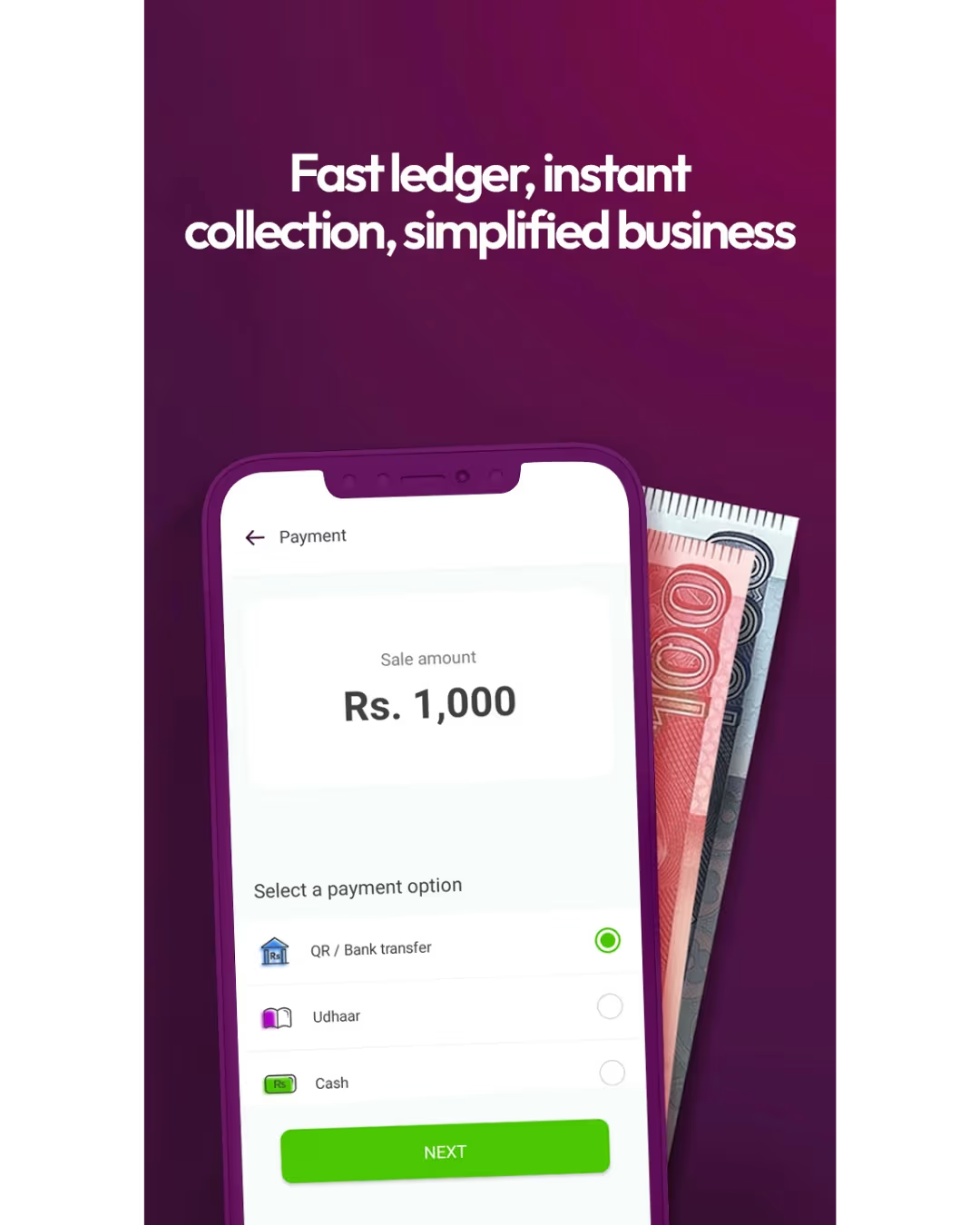
Checking your gas bill online in 2026 takes less than two minutes. Use the official website for a quick desktop check, SNGPL ConnectOn / SSGC Customer Connect apps for full features, Udhaar Book for all utilities in one place, or Easypaisa/JazzCash for instant bill payments.
To check your SNGPL (Sui Northern) or SSGC (Sui Southern) bill online, you need your unique Consumer Number. This is an 11‑ or 14‑digit code found on any previous paper bill. Here are the most reliable ways to check:
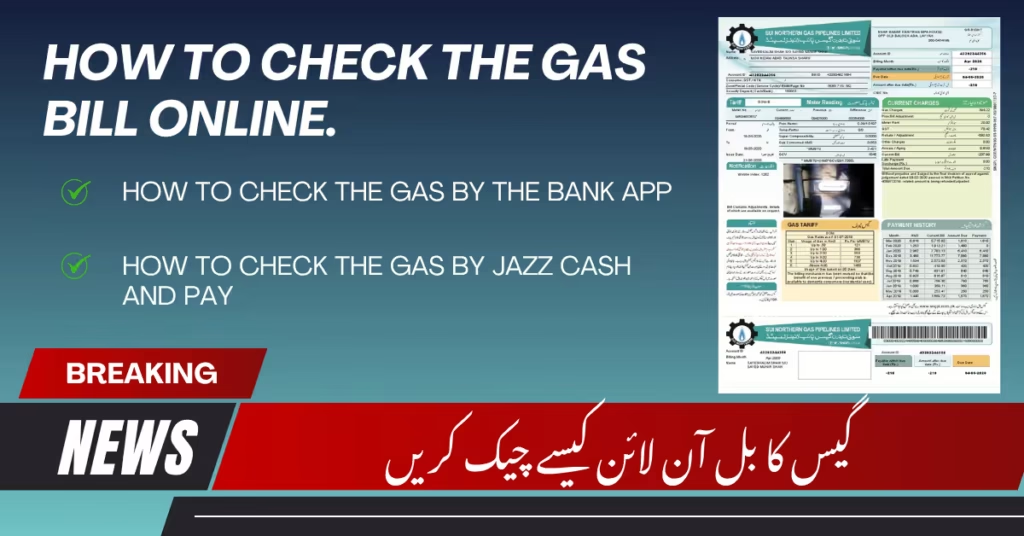
1. Official Website: Visit www.sngpl.com.pk for SNGPL or www.ssgc.com.pk for SSGC. Go to the "Bill Inquiry" or "Consumer Bill" section, enter your consumer number, complete the simple security step (captcha), and submit. Your current bill with the amount due and due date will appear on screen.
How to get SSGC bill online?
Getting your SSGC bill online is straightforward. You will need your 10-digit customer number, which is printed on any previous bill. Here's how:
1. Official SSGC Website: Visit www.ssgc.com.pk and click on the "Pay/View Bill" option on the homepage. After entering your 10-digit customer number, your current bill and due date will be displayed. You can then download or print it.
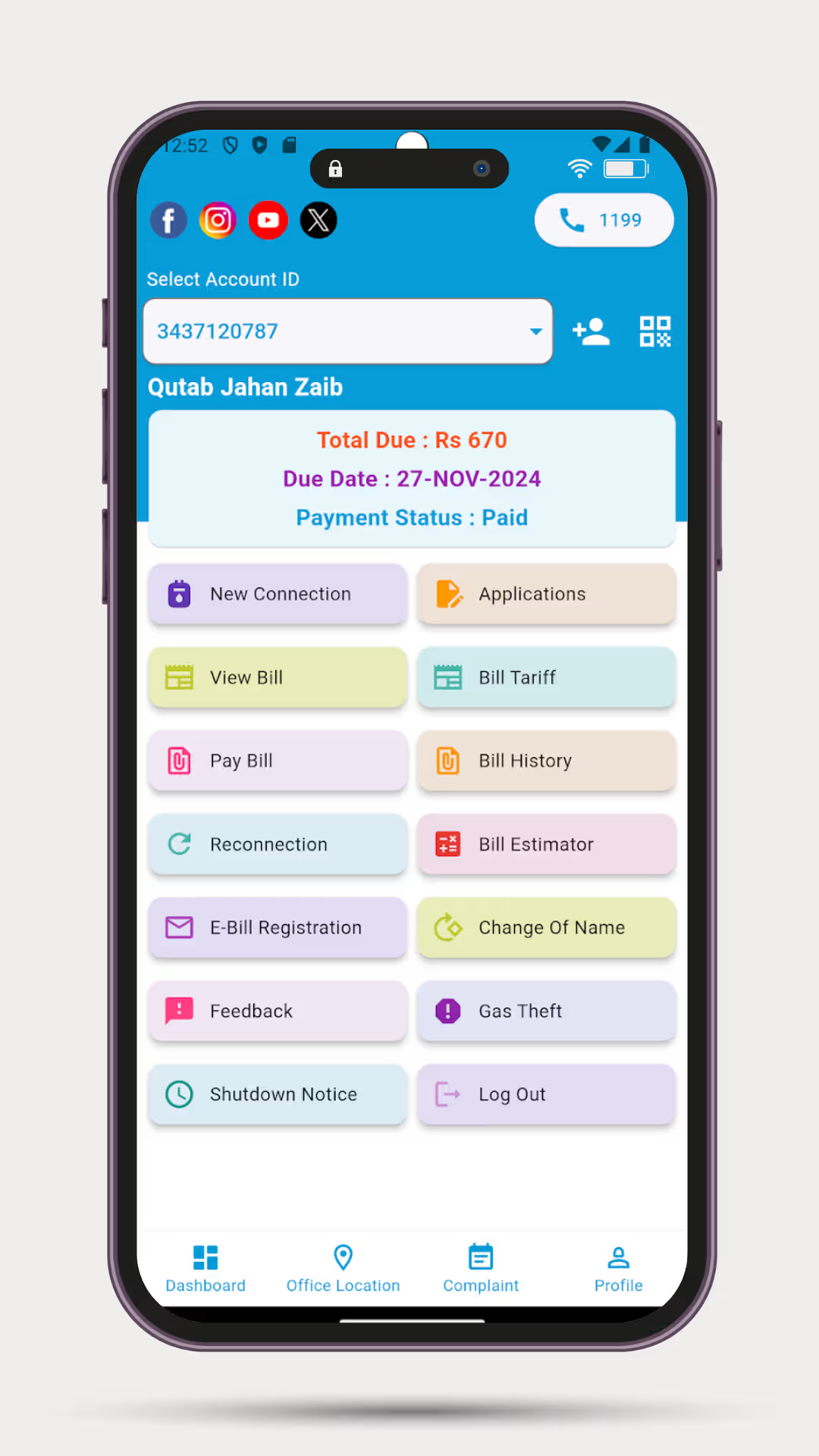
2. SSGC Customer Connect App: This official app is available for free on both the Apple App Store and Google Play. Once you sign up and register your account, you can view your current month's bill details, including the total amount due and due date. You can also access bill information from previous months.
3. Banking Apps: Apps like Easypaisa, JazzCash, and NBP Digital also allow you to check and pay your SSGC bill instantly.
How to check Sui Gas unit?
The specific details of your gas consumption, including the total units (in Cubic Feet or CF) you've used, are always listed clearly on your bill. Once you retrieve your bill using any of the methods above, you can find your detailed usage information, which includes the number of units consumed in the current billing month
How to check paid status of SNGPL bill?
To check if your SNGPL bill has been paid, follow the same process you would use to check your current bill. Retrieve your bill using your consumer number on the SNGPL website. Your latest bill will be displayed, and the system will show its status (e.g., "Paid" or "Unpaid") along with the total amount and due date. If you paid recently and the status is not yet updated, please allow 24-48 hours for the payment to be processed and reflected in the system. For confirmation, you can also check your transaction history in the banking app or wallet you used to make the payment.
How do I check my bill history?
To review your past billing statements and consumption patterns, you can use these specific features:
1. SSGC Customer Connect App: This official app has a dedicated "Billing Information" feature. Once you sign in with your registered account, you can easily access the bill information for previous months.
2. SNGPL ConnectOn App: The official SNGPL app allows you to view "bill details as well as yearly consumption and yearly billing details." This helps you see your usage trends and past bills.
3. Third-Party Apps (Sui Gas Bill Checker): Some third-party apps on the Google Play Store are designed specifically for this purpose. Apps like "Sui Bill Checker Online" allow you to view "past bill history" for both SNGPL and SSGC customers.
How to download gas bill invoice online?
Downloading a PDF copy or invoice of your current or past gas bill is simple. Here's how to get your duplicate bill online:
1. Official SNGPL Website: Visit www.sngpl.com.pk, go to the "Consumer Bill" or "Duplicate Bill" section, and enter your 14-digit customer number. After viewing your bill, use the browser's Print or Save as PDF option (usually found in the File menu or by pressing Ctrl+P) to download a digital copy.
2. Official SSGC Website: Visit www.ssgc.com.pk, go to the bill inquiry section, and enter your 10-digit customer number. Once the bill is displayed, you can click a "Download" or "Print" button, or use the browser's function to save it as a PDF.
3. Official Mobile Apps: Both the SNGPL ConnectOn app (for Android) and the SSGC Customer Connect app (for iOS and Android) have features that allow you to "view and download" your bill directly to your device.
How to pay SNGPL bill online?
Paying your SNGPL bill online is very fast and secure. Here are the best and most commonly used methods:
1. Through Mobile Wallets (Easypaisa/JazzCash): This is one of the most popular options. Open your Easypaisa or JazzCash app ➔ Tap on Bill Payment ➔ Select Gas and then SNGPL ➔ Enter your consumer number and the bill amount (many apps will auto-fetch the amount) ➔ Confirm and complete your payment.
2. Through Online Banking (NBP Digital, etc.): Log in to your bank's mobile or internet banking app. Go to the Bill Payments section, select Gas and SNGPL, and enter your consumer number to pay the bill.
3. Official SNGPL ConnectOn App: After downloading and signing up on the SNGPL app, it also supports making online bill payments directly.